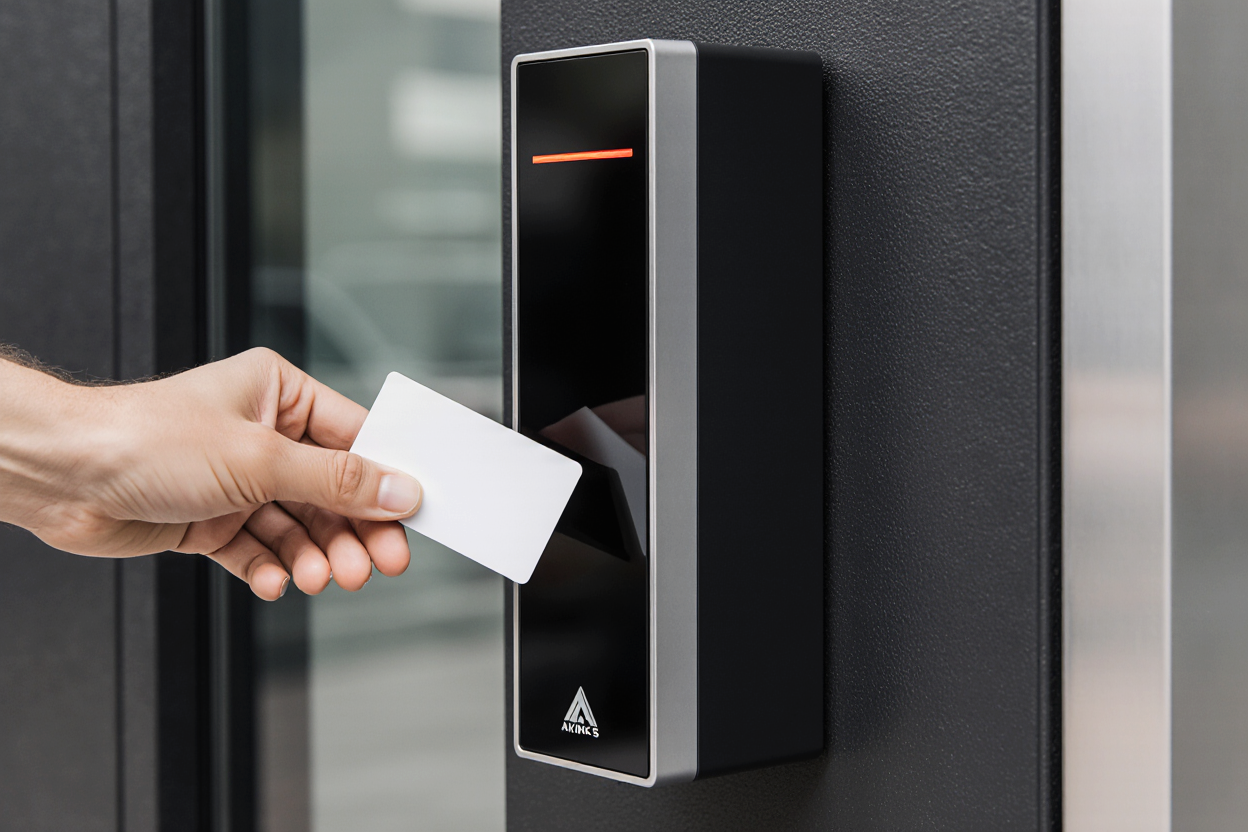
Most information on the web about access control systems is written for large comercial Real estate companies, data centers and enterprises with unlimited security budgets. This can include expensive cloud, platforms, complex, integrations, and high and biometric systems that are not always suitable for small businesses.
As a small business owner, you need something different. In this guide, we will take you through what works for your size, realistic budgets, and whether you need managed service to handle the complexity. By the end, you'll know how access control fits into your physical security strategy.
Do You Need Access Control? Assess Your Business's Risk
Before you buy anything answer this question what would happen if an unauthorized person entered your facility?
Depending on what the requirements of your building are, the answer may change everything.
What are you protecting?
Customer or patient data. Healthcare practices, accounting firms and legal offices handle sensitive personal information. Regulations such as HIPAA for healthcare, require documented controls on who accesses records.
Products or inventory. Manufacturing plants, warehouses, and retail stores hold high-value goods. Preventing theft protects both the physical assets and your bottom line.
Financial systems. If you process payments or manage financial accounts, PCI-DSS compliance requires controlling access to payment areas. Retail locations with POS terminals in back offices may also need to restrict access.
Intellectual property. Technology companies, engineering firms, and specialized manufacturers hold competitive secrets. Controlling server room access and design areas is essential.
Employee well-being. This can involve protecting untrained staff from hazardous areas or equipment, or tampering prevention.
Three questions to assess your risk:
- How likely is unauthorized access?
Rate this from 1-10. Are you in a high-traffic area where strangers regularly pass through? Are you in an industrial park with few visitors? - What's the impact if someone gains unauthorized access?
Rate this one through 10 if a competitor stole your designs, would it destroy your business? If someone accessed patient records your face, HIPAA finds up to 5000 per violation. If someone got to your server room, your entire net work is at risk. High value data = high impact. - Do you have a compliance requirements?
This is a simple yes or no question. Healthcare has HIPAA, anyone doing payment processing has PCIS-DSS government contracting, CMMC.
For your risk score, multiply likelihood by impact scores above 20 suggest access control is non-negotiable.
Understanding access control system types
Access control systems manage who can enter specific areas, and replace traditional locks with electronic credentials to provide detailed records of who accessed what and when.
The four access control models.
- Role-based access control. Permissions depend on your position in the organization. For instance, a manufacturing supervisor can access the production floor and break room.
- Mandatory access control. A centralized policy determines access based on security classifications. Government facilities and classified contractors usually stick to this model.
- Time-based access control. Access rules change by time of day or day of the week. This can help control access for third parties, such as visitors during an event, vendors or temporary workers. A contractor for example can access the building Monday through Friday 8 AM to 5 PM, but his credentials will not work after hours.
- Discretionary access control. Individual area owners decide who has access. This can work well for an apartment building, a coworking space, or an office building. It can work for smaller businesses without complex hierarchies, such as an office manager, deciding who can access the supply closet or a manufacturing plant manager, determining who enters the production floor.
Which Authorization Credentials Types Work for Your Business?
An authorization credential or physical access device is how the access system knows who you are, and determines whether it can let you through or not. Different options and types of credential offered different trade-offs between security, cost, and convenience. Let's review what type of credential fits your needs:
| Credential Type | Initial Cost | Annual Cost Per User | Security Level | Learning Curve | Best Used For |
|---|---|---|---|---|---|
| Key Fobs | $30-50 per unit | $5-10 (replacement) | Medium | None (familiar) | Main doors, simple offices |
| Mobile Credentials | Free (app only) | $5-10 (licensing) | High | Low (smartphone) | Modern offices, tech staff |
| Biometric (Fingerprint) | $2,500-5,000 | Minimal | Very High | Medium (enrollment) | High-security areas, healthcare |
| PIN Codes | $500-1,000 system | Minimal | Low-Medium | None (familiar) | Shared access, visitor entry |
| RFID Card Readers | $100-300 per reader | $2-5 per card | Medium | None (familiar) | Most versatile, common choice |
| QR Codes | $500-1,000 | Free (generated) | Low | Low (scan with phone) | Temporary visitor access |
Some small businesses won't use just one credential type, but use what makes sense for each situation. For instance, a manufacturing facility might use key fobs for their stuff for their durability and because they can't be hacked, and QR codes for temporary visitors.
To make your choice, keep in mind:
- It's important not to over-engineer. A 15 person law firm doesn't need facial recognition, and key QR codes and pin codes for visitors work fine.
- Consider your stuff. If your team is mostly older workers, biometric systems might frustrate them but if your team lives on smart phones, mobile credentials, make sense, so match your credential type to your users.
- Plan for a hybrid environment. Most implementations use 2 to 3 credential types regular staff get key fobs while visitors get a temporary pin and high security areas use biometrics. This balanced approach handles 90% of scenarios without over complicating.
How Access Control Works: The Components
Your access control system has five main components that work together to keep unauthorized individuals out.
- Physical barriers delay, deter, or prevent unauthorized entry. These include fences, gates, walls, doors, turnstiles, mantraps, cages, bollards, window protection.
- Mechanical controls are the traditional, non-electronic methods to restrict entry, such as keys, padlocks, deadbolts, mechanical combination locks, and safes.
- Credential readers set at doorways and scanned physical access devices. When you tap your key fob or open your mobile app, the reader captures that signal.
- Electronic locks, whether magnetic strikes or electronic bolts, these control, whether the door actually opens when the reader approves your credential, it sends a signal to unlock the door. When you leave the building, the lock re-engages.
- The control panel or cloud controller is the brain. Here is where you were identity, access permissions and rules are stored. When the reader scans your credential, the controller checks: "Is this person supposed to be here? Can they access this area? What time is it?" then it decides to unlock or deny.
- Management software is where you add new employees, revoke, departing employees, and run reports from a dashboard. For small businesses, cloud-based software can be easier than managing servers on site.
- You would also want your doors to stay secure even during a power outage. This is where backup power or a backup generator comes in. Most systems can run for 24+ hours on battery backup.
On-Premise vs. Cloud Systems
On premise systems, mean you on the hardware that control panel sits in your building. Meanwhile, cloud-based system mean a vendor hosts everything you log into a web portal to manage credentials and review reports any failure is the responsibility of the vendor.
A third option or hybrid systems, which use both. Electronic readers, set in your building (on premise), but management and control happen in the cloud, and this gives you local responsiveness and cloud convenience.
For most small businesses, cloud-based or hybrid systems makes sense. You avoid managing servers and get automatic security updates. The trade-off is that you depend on a stable Internet connection because if your Internet goes down credentials, stop working. Here, backup power keeps doors locked until connection restores.
Are Locks and Security Cameras Enough to Protect Your Business?
Traditional locks require physical key management when an employee leaves you need to retrieve the keys or re-key the locks. If someone loses a key, you can't know who finds it. Depending on the size of your facility, re-keying multiple doors can cost between $100-200 per lock. For an office with 10 doors that's $1000 per employee departure.
While security cameras, or a key part of a physical security strategy for small businesses, they are forensic tools through which you can merely prove someone was there and what they did. Cameras may deter those who know they're there from certain activities, but they don't prevent unauthorized access.
You can't grant temporary access with locks and cameras. A vendor that needs to enter your facility into the reception area for 30 minutes, without temporary access, would need to be escorted. With access control systems you can issue a temporary credential that works only during their scheduled time. After they leave, access ends automatically.
Audit trails prove compliance. Regulators want to know who accessed sensitive areas and a lock and camera set up. Requires manual lock review. Access control systems generate time stamped records, automatically making audits straightforward to complement camera footage. Together these components of facility security provide a layered approach.
Implementing Access Control: From Planning to Deployment
Implementation typically takes between 4 and 8 weeks for a small or medium-sized business. Here's what you can expect over an 8-week period:
Weeks 1-2: Site survey and planning. A physical security systems consultant will meet to analyze your facility's requirements and map all the doors that need access control. This may include a site visit. During this time, the following questions will be answered: Which doors should be locked? Which areas are high-security? Who needs what type of access?
The consultant will identify the location of the readers, which credentials work for your situation, and how to integrate them with your existing systems.
Weeks 3-4: Hardware is ordered, which usually takes 1-2 weeks. At this stage, you decide whether to opt for a cloud-based or on-premises solution, what types of credentials you want, and which areas will have access control.
A vendor who directly supplies the equipment means a shorter procurement time.
Weeks 5-6: Technicians install the readers on the doors, run the wiring, and configure the locks. For cloud-based systems, installation is faster since no on-site servers are needed.
This process is designed to be as minimally disruptive as possible to your operations, but it's important to inform your staff that workers will be laying cables and installing door readers. For a small office, allow 1 to 2 days for installation.
Weeks 6-7: This is where all doors are tested, credentials are programmed, and permissions are configured as defined in the plan from weeks 1-2. It's important to run the tests, as this phase ensures everything works correctly before employees use it.
Weeks 7-8: Staff Training and Go-Live. This takes 15 to 30 minutes per person or group. For key fobs, it's simple: just hold the reader near the key fob to unlock the door. For mobile credentials, the process is longer. Implementation involves replacing traditional locks with the new system.
Implementation Phases
It's not necessary to close all doors simultaneously. A phased approach works better than doing everything at once because it allows you to identify gaps between different areas or between different components.
Phase 1: Close only high-security areas (server room, archive area, production floor). Keep the main entrance doors with traditional locks for now. This allows you to manage the highest risks without major changes.
Phase 2: Close the entrance doors to offices and internal areas. Extend access control beyond critical areas.
Phase 3: Full rollout, including parking lots, loading docks, and remote locations.
Phased deployment also allows you to train staff gradually, resolve questions and issues at each stage, and avoid major disruptions.
Can Access Control Integrate With Your Existing Security Systems?
Access control works best when it connects to your other security systems and your overall network, so it allows for centralized management.
- Video surveillance integration. When someone uses a credential to enter a door, the access control system logs the event with a timestamp. Your security software can pull up camera footage from that exact moment. If there's a dispute about who entered an area, you see the video proof.
Learn more: Video Surveillance for Business: What SMBs Need - Alarm system integration. If someone tries to enter a door with an invalid credential, the access control system can trigger a notice or an alarm. If an employee props open a door that should be locked, sensors detect this and alert security.
- HR system integration. When you hire someone in your HR system, access control automatically issues credentials. When you terminate someone, their credentials deactivate. This reduces manual work and prevents errors.
- IT network integration. Access control systems connect to your network. They should be on a separate network from your main IT infrastructure. If access control systems get hacked, your email and financial systems stay secure. This requires basic network segmentation, which most managed IT providers set up automatically.
- Time and attendance. Access control systems can track when employees enter and leave. This data flows into payroll systems for accurate time tracking. Some businesses use this instead of time clocks.
- Intercom and remote entry. Video intercoms provide a live image and two-way audio; authorized operators can open the associated door from the desktop platform or mobile app.
Integration requires planning during implementation. Tell your consultant what systems you have. They design the integration during the planning phase.
What Access Control Costs
For a small business with 20-50 employees and 5-10 controlled doors, here are realistic costs.
Hardware and Installation
Access Control Managed Services
If you don't have an IT team, managed services, make more sense. You pay a monthly fee and a provider handles everything: installation, updates monitoring, and credential management all fall to them.
Access control systems aren't just for large companies. Small companies with sensitive data high employee, turnover or compliance requirements, benefit from access control systems. Budget realistically, choose the right credential types for your situation, and consider managed services to avoid ongoing complexity.
For most small businesses, the biggest barrier isn't it cost but deciding what system is worth the investment. Once you make the decision implementation is straight forward.
Frequently Asked Questions
Q: What is the best access control system for small businesses? A: Cloud-based systems with key fobs or mobile credentials offer the best combination of security, cost, and ease of management. Managed services handle updates and support, reducing your operational burden.
Q: How much does an access control system cost for a small business? A: First-year cost is typically $5,000-13,000 for hardware, installation, and configuration. Ongoing annual costs are $2,000-6,500 depending on whether you use managed services. Managed services add $100-300/month but handle all maintenance and support.
Q: Do I need access control if I'm a small office? A: Only if you have sensitive data (client records, financial information), multiple employees, high turnover, or compliance requirements (healthcare, finance, government contracting). A simple key lock office with 3 trusted employees probably doesn't need electronic access control.
Q: Can I manage access control myself without IT experience? A: Cloud-based systems with mobile apps are manageable for basic credential issuance and revocation. Complex integrations or troubleshooting warrant professional help. Most small businesses benefit from managed services so you don't have to troubleshoot system failures.
Q: What's the difference between on-premise and cloud access control? A: On-premise means you own and maintain the hardware. Cloud means a vendor hosts the system. For small businesses, cloud or hybrid typically makes sense because you avoid maintaining servers and get automatic security updates.
Q: How do I integrate access control with video surveillance? A: Modern systems can link access events (door opened) to camera footage (who opened it). Requires compatible systems and network integration. Professional installation recommended for proper setup.
Q: Is access control required for healthcare offices? A: HIPAA doesn't mandate electronic access control, but it requires documented controls on who accesses patient information. Access control systems with audit trails simplify compliance by proving you controlled access.
Q: What happens if my access control system fails? A: Modern systems have 24+ hour battery backup. If power is lost, doors stay locked. Most cloud-based systems have redundancy so service rarely goes down. This is why 24/7 support through managed services matters.
Q: Can I use mobile phone as an access credential? A: Yes, modern systems support mobile apps that generate secure access codes. Convenient if your team keeps phones charged. Consider having backup credentials (key fobs) for phones that die or get forgotten.
Q: How do I revoke access for departing employees? A: Modern systems let you deactivate credentials instantly through a dashboard. This should happen on the employee's last day. Never delay this step or the departing employee retains access.
Q: Does access control help with compliance audits? A: Yes, it provides timestamped audit trails of who accessed what areas. HIPAA, PCI-DSS, and other compliance audits require documented access controls. Electronic systems automate compliance reporting.
Q: Should I hire managed IT services to manage access control? A: For most small businesses without dedicated IT staff, yes. Managed services handle updates, monitoring, emergency response, and credential management. Costs $100-300/month but removes complexity from your team.
Evaluate the physical security options for your business.
Your network is protected. Is your building?
Cameras, access control, and monitoring that work together — managed by the same team that protects your IT. See how we secure what's inside your four walls.