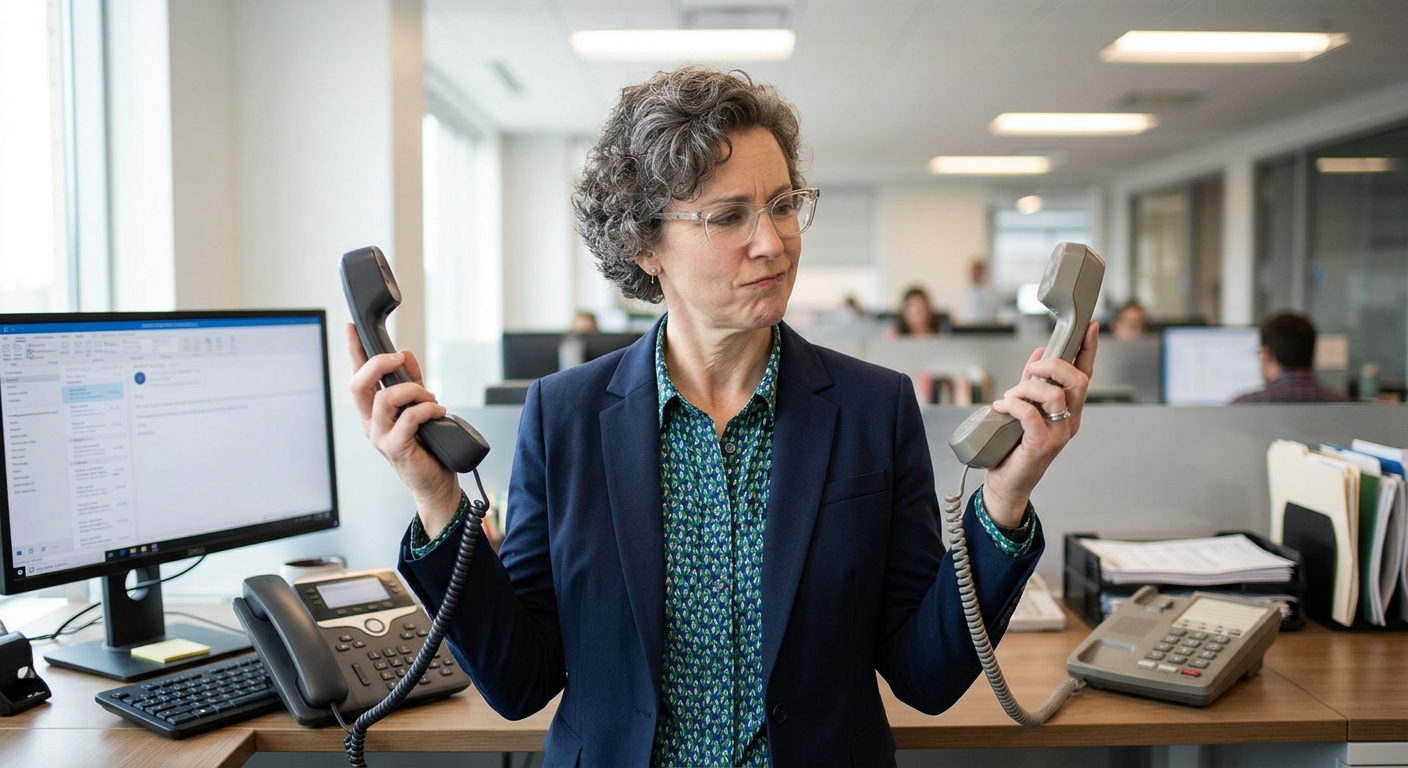
 Choosing a business phone system affects more than how your employees make and receive calls. It influences your operating costs, customer experience, team productivity, and ability to grow.
Traditional vs. VoIP: How Business Phone Systems Work?
How traditional systems work:
Traditional landline phone services use the public switched telephone network (PSTN) to carry voice signals through dedicated phone lines.
- Physical phone lines run into your office building
- A PBX (Private Branch Exchange) system sits in a closet or equipment room
- That PBX routes calls internally and sends outbound calls over the phone company's network
- You pay per line, plus per-minute charges for long-distance calls
Traditional systems have been used for decades and have an established infrastructure. Expanding or modifying them usually involves additional hardware, installation, and ongoing line charges.
What you get:
- Dedicated phone numbers and extensions
- Call transfer
- Voicemail
- High voice quality (industry standard)
- No internet dependency
What you don't get:
- Flexibility to work remotely
- Easy scalability (adding lines is slow and expensive)
- Integration with modern business tools
- Granular usage reporting
- Competitive pricing (phone companies lock you in)
How VoIP telephone systems work
Voice over internet protocol (VoIP) converts voice signals into digital data packets and transmits them over an internet connection. Instead of dedicated telephone lines, VoIP systems use your existing network infrastructure.
Employees can communicate using:
- IP desk phones: dedicated phones to connect to your business network.
- Desktop applications: software that allows employees to make a receive calls from their computers.
- Mobile applications: apps to connect employees to the business phone system through smartphones.
- Compatible headsets: audio, device devices, that support hands-free, calling through computers or softphones.
Most modern business VOIP services are cloud hosted, meaning the provider manages the underlined phone system, and its infrastructure. This gives businesses more flexibility when adding employees, changing cold routing, or supporting remote teams.
Cost Comparison: 5-Year Estimate
How much do traditional VoIP phone systems cost over five years? VoIP phone systems can cause significantly less over five years in traditional business phone systems, particularly when you account for installation, additional lines, maintenance, and equipment replacement.
VoIP cost significantly less than traditional form systems over five years. For a typical 10-person small business, it saves between $20,000 and $64,000. Here's how those estimates compare.
| Cost category | Traditional phone system | VoIP phone system |
|---|---|---|
| Estimated five-year total | $47,000–$91,000 | $11,400–$26,900 |
| Employees | 10 | 10 |
| Cost per employee over five years | $4,700–$9,100 | $1,140–$2,690 |
| Average monthly cost per employee | $78–$152 | $19–$45 |
These of course, are illustrative planning estimates for a 10 employee business, not guaranteed market prices or vendor quotations. Actual expenses depend on what equipment you need, which service plan suits your needs, installation, contract terms, calling requirements and network infrastructure. The difference becomes significant when you consider the expenses associated with maintaining and expanding a traditional phone system.
What contributes to traditional phone system cost?
- Initial setup and installation of PBX hardware
- Monthly line charges
- Additional extensions
- Long-distance calls
- Maintenance and support
- Equipment replacement or repairs
What contributes to VoIP phone system cost?
VoIP Systems typically use a subscription based pricing model, with costs, depending on the number of users, features, and service provider.
- Subscription: Per-user or per-extension service fees.
- IP Phones ($60-$180) as a one-time hardware purchase, based on our provider of choice, 3CX's indicative pricing.
| Phone category | Compatible example | Approximate cost per phone |
|---|---|---|
| Basic desk phone | Yealink T33P/G | $63 |
| Standard office phone | Yealink T53W | $100 |
| Midrange business phone | Yealink T54W | $130 |
| Larger touchscreen phone | Yealink T57W | $180 |
- Adding a user through the administration portal
- Assigning a phone number or extension
- Configuring permissions and call routing
- Connecting the employee's IP phone, computer, or mobile application
What about businesses with multiple locations?
VoIP simplifies communications across multiple offices, and reduces the need to maintain separate phone systems at every location. Employees in different locations can share the same phone system, use internal extensions and follow the same routing rules.
Should You Switch? A Decision Framework
Ask yourself these questions to determine if VoIP is right for your business.
Do you have stable internet?
- Yes: VoIP is viable. Estimate your savings.
- No: Invest in better internet first. Then switch.
Do you have remote or hybrid employees?
- Yes: VoIP is almost mandatory.
- No: VoIP is still cheaper and more flexible.
Do you plan to grow, shrink, or restructure in the next 2 years?
- Yes: VoIP's scalability saves you thousands.
- No: Traditional systems might seem fine, but VoIP costs less anyway.
How old is your current system?
- Older than 5 years: Replacement cycle approaching. Switch now.
- Newer than 2 years: Stay until replacement, then switch.
- Requires repair in next year: Switch immediately instead of repairing.
Early payback calculation:
- Cost to break your current contract (or wait until replacement): $X
- 5-year VoIP cost: $11,400 to $26,900
- 5-year cost to keep traditional system: $47,000 to $91,000
- Payback period: Usually 18 to 24 months
Making the Switch: What to Expect
Migration to VoIP happens in four weeks with minimal disruption. Week 1: Choose a VoIP provider based on your needs (we recommend evaluating providers by support quality and feature fit, not just price). Port your existing phone number (most providers handle this at no extra cost). Week 2: Equipment arrives. Install phones or skip them and use softphones on computers. Set up internet infrastructure if needed (usually you already have it). Week 3: Test calls with a small group before going live with the full team. Train employees on new features. Week 4 onwards: Go live. Monitor the first week closely. Track call quality and employee adoption.
Most businesses report zero disruption during migration and immediately notice the flexibility and cost savings.
FAQ
Q: Will my existing phone number work with VoIP?
A: Yes. Number porting is standard. Your existing business phone number rings through your new VoIP system. The process takes 1 to 3 weeks and most providers handle it automatically. You keep your existing number throughout the transition.
Q: Is VoIP secure?
A: Yes. Modern VoIP includes encryption for voice and signaling. Your security depends on your internet security practices. Use a reputable provider with security certifications like SOC 2 and compliance with healthcare or payment standards if applicable.
Q: What if my internet goes down?
A: Most VoIP providers offer automatic failover. Your calls route to a mobile network or backup connection. Your phone number stays active and calls still ring. You'll get a notification that your internet is down, but callers won't experience dropped calls.
Q: Can I keep some phones on my old system and move others to VoIP?
A: Yes. Hybrid setups work for 3 to 6 months during transition. Don't extend it longer because you'll manage two systems (expensive, confusing for staff). Plan a complete cutover.
Q: What about call quality during peak business hours?
A: If your internet is stable, call quality doesn't degrade during peak hours. VoIP providers engineer for thousands of simultaneous calls. Your small business team is nowhere near the capacity limit. Quality depends on your internet, not the VoIP system's capacity.
Q: What VoIP features actually matter?
A: Integration with your CRM and email is the biggest productivity boost. Call recording and analytics are valuable for quality assurance. Everything else is nice-to-have. Choose a provider that integrates with tools you already use.
Q: Can I use VoIP phones I buy myself, or does my provider require specific hardware?
A: Most providers support standard VoIP phones (SIP-based). Some providers optimize their own hardware for their service. Before buying, check your provider's compatibility list. Unified Communications platforms like Microsoft Teams and Zoom can replace dedicated hardware entirely.
A Scalable Option
VoIP delivers overwhelming financial and operational advantages for small businesses. You'll save $20,000 to $64,000 over 5 years, gain flexibility to work remotely, scale instantly when you grow, and access features that traditional systems charge thousands extra for. Traditional phone systems work. VoIP works better for nearly every small business scenario.
The only businesses that should keep traditional systems have specific constraints. Unreliable internet, mission-critical uptime with no budget flexibility, or long-term contracts that cannot be broken are the only reasons to stay. Everyone else leaves money on the table by not switching.
Ready to explore VoIP for your business? We help small businesses evaluate providers, migrate existing numbers, and set up systems that match your team's communication style. Schedule a free VoIP readiness consultation where we walk through your options and get your number ported without downtime.